 HappyMod
 download problems are mostly caused by a weak connection, low storage, or power saving settings that pause downloads. The progress bar may freeze, stay at 0%, or fail with an error, but each case is easy to fix once you know the cause.
This guide covers download problems for both the HappyMod APK and the games and apps you download inside it.
Why HappyMod Downloads Fail
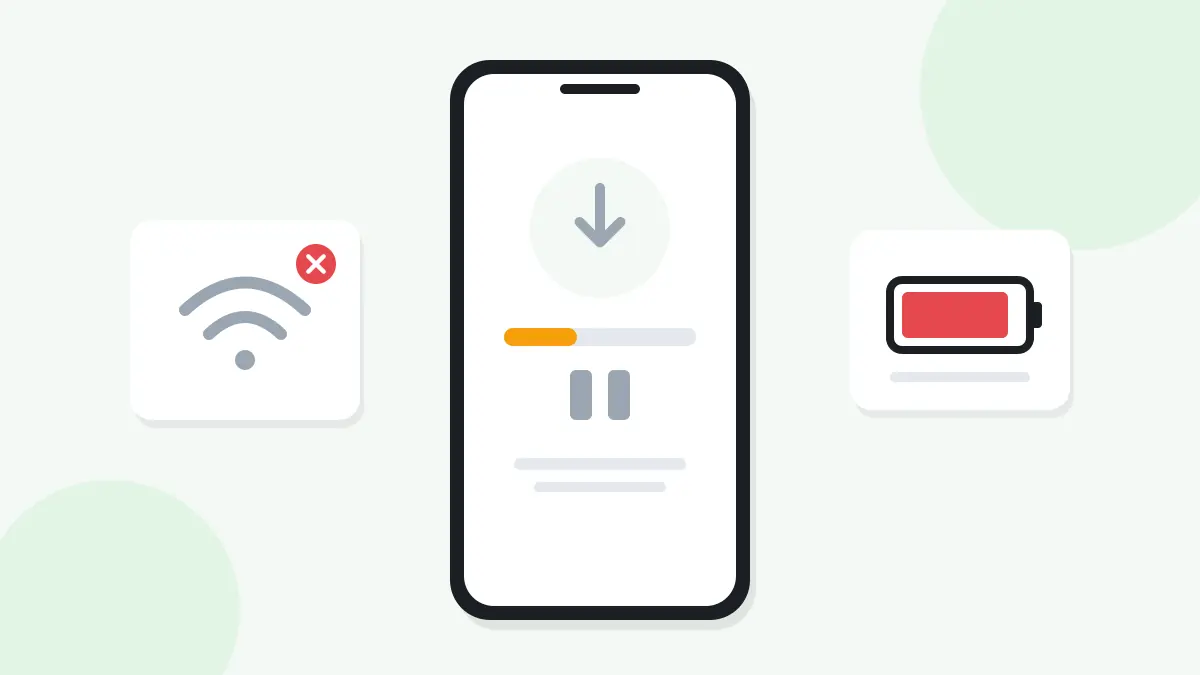
Most download problems come from one of these causes:
- A weak or unstable internet connection.
- Low storage space on the phone.
- Battery saver or data saver pausing background downloads.
- Browser or download manager issues.
- A VPN or private DNS slowing down the connection.
Check these first, and most downloads will start working again.
Download Stuck at 0%
When a download stays at 0%, it usually never connected. Try these steps:
- Turn airplane mode on for 10 seconds, then turn it off.
- Switch from mobile data to Wi-Fi, or the other way around.
- Close the browser fully and start the download again.
- Turn off any VPN for a moment and try again.
If it still does not move, restart your phone. This clears small network glitches.
Download Stops Halfway
A download that starts and then stops often loses its connection. Moving between Wi-Fi and mobile data can cut it off. Stay in one place with a strong signal until the file finishes.
Also check that the phone does not go to sleep with battery saver on. Battery saver can pause downloads when the screen turns off. Turn it off while downloading, or keep the screen on.
Slow HappyMod Downloads
Slow speed is usually a network issue. Here are quick ways to speed things up:
- Move closer to your Wi-Fi router.
- Pause other downloads and streaming on your network.
- Restart your router if all devices feel slow.
- Try downloading at a different time of day.
Big games can be several hundred MB, so a stable connection matters more than raw speed.
"Not Enough Space" During Download
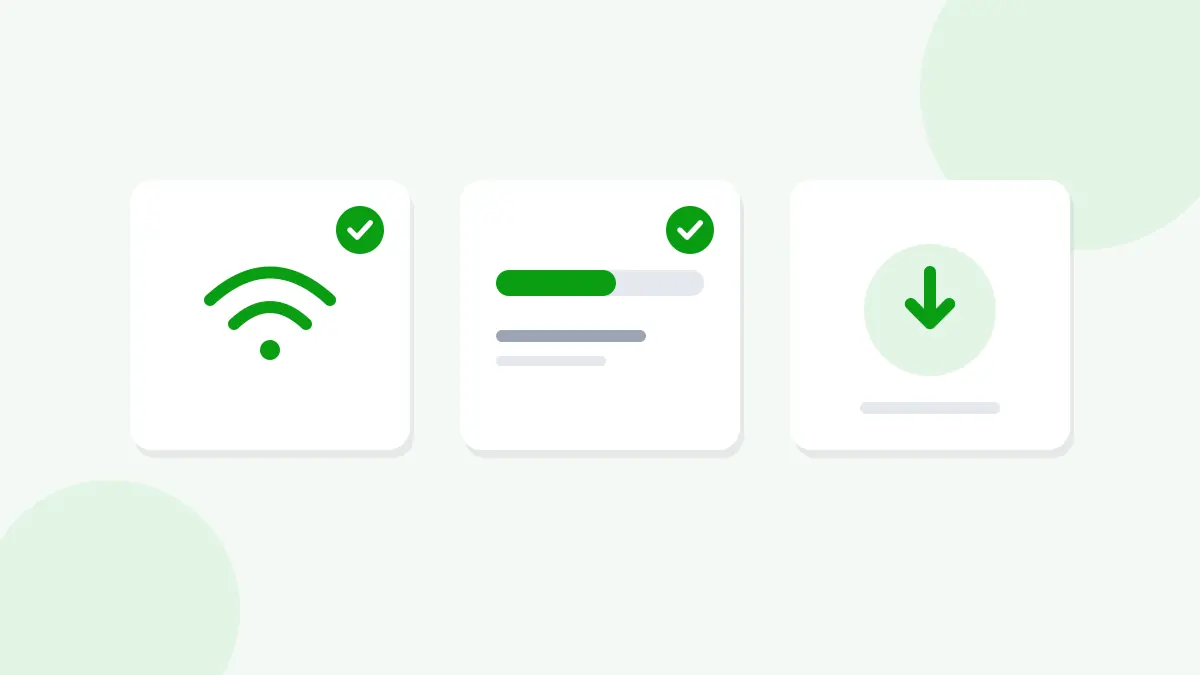
Android needs room to save the full file. If space runs out, the download fails or the file stays broken. Open Settings, then Storage, and free up space. For large games, keep at least 2 to 3 GB free, because many games also need extra data files.
Download Finishes but the File Will Not Open
If the download says complete but the file will not open, it may be broken. A file that stopped early can look finished. Delete it from your Downloads folder and download it again with a stable connection.
If the file opens but will not install, the problem is with the install step.
Read next: HappyMod Installation Errors
Games Inside HappyMod Will Not Download
When HappyMod opens fine but a game download fails, try these steps:
- Check your free storage first, since games are larger than the app.
- Clear HappyMod's cache in Settings, then Apps, then HappyMod, then Storage.
- Make sure HappyMod has permission to install unknown apps.
- Try a different MOD version of the same game.
Some games also need OBB data. Make sure both the APK and its data file finish downloading before you open the game.
Browser Download Problems
Your browser can also cause trouble. If a download will not start from the browser:
- Clear the browser's cache and cookies.
- Update the browser to the latest version.
- Allow the browser to download files in its site settings.
- Try a different browser you trust.
Data Saver and Background Limits
Data saver and app background limits can quietly block downloads. Open Settings, then Network, then Data saver, and turn it off while you download. Also check that your browser and HappyMod are allowed to use data in the background.
Download Problems After an Update
If downloads stopped working right after you updated HappyMod, clearing the app cache usually fixes it.
Read next: HappyMod Update Errors
Frequently Asked Questions
Why is my HappyMod download stuck at 0%?
The download probably never connected. Toggle airplane mode, switch networks, and start the download again.
Why does my download stop halfway?
The connection dropped, or battery saver paused it. Stay on one strong network and keep the screen on.
How much storage do I need for HappyMod games?
The app is small, but games can be large. Keep 2 to 3 GB free for big games and their data files.
Can a VPN cause download problems?
Yes. Some VPNs slow down or block downloads. Turn the VPN off for a moment and try again.
What should I do if the downloaded file will not open?
The file is likely broken. Delete it and download it again with a stable connection.
Download HappyMod Without Problems
Most HappyMod download problems come from the connection, storage space, or power saving settings. Fix those, and your downloads will finish smoothly.
Read next: HappyMod APK