 HappyMod
 not opening usually means the app cannot load its data, has broken files, or is being blocked by a phone setting. You may see a blank screen, an endless loading spinner, or the app may close right away.
This guide covers problems where HappyMod will not start or will not load its catalog. If the app opens but closes later, see the crashing guide linked below.
Signs That HappyMod Is Not Working
- The icon does nothing when you tap it.
- The app shows a white or black screen.
- The catalog keeps loading and never shows games.
- You see a network or connection error.
- Search returns no results for popular games.
Quick Fixes to Try First
- Restart your phone.
- Switch between Wi-Fi and mobile data.
- Turn off any VPN or private DNS for a moment.
- Check that your date and time are set automatically.
- Make sure you have at least 1 GB of free storage.
Many loading problems are caused by a weak connection or a wrong system clock, which breaks secure connections.
Clear HappyMod Cache and Data
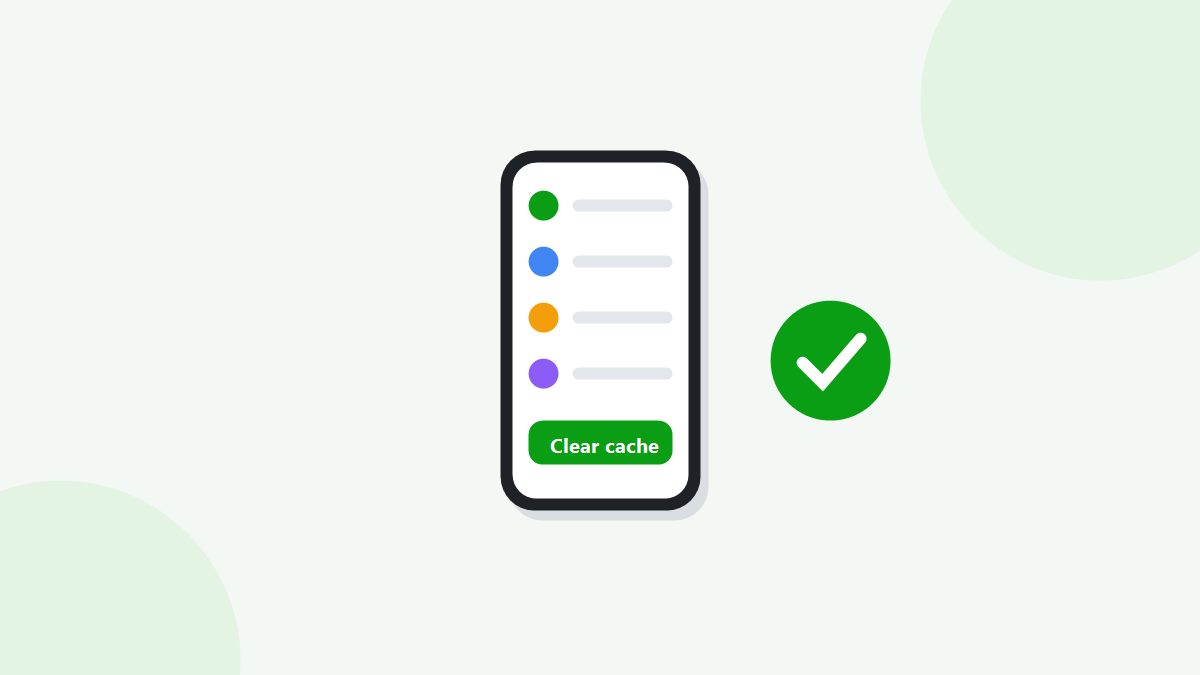
Go to Settings, Apps, HappyMod, Storage. Tap Clear cache and open the app again. If that does not help, tap Clear data. This resets the app but does not remove games you already installed.
Read next: How to Clear HappyMod Cache and Data
Check Battery and Data Restrictions
Battery savers can stop HappyMod from loading in the background. Open Settings, Apps, HappyMod, Battery, and choose Unrestricted. Under Mobile data, allow background data as well.
Update or Reinstall HappyMod
An old version may stop working when the catalog changes. Uninstall HappyMod, restart your phone, and install the latest version. This also fixes damaged files from an incomplete download.
Read next: HappyMod Update Errors
Check Android Version Support
HappyMod needs Android 5.0 or newer. On very old phones, the app may install but fail to open. Check your version in Settings, About phone, Android version.
Network and Region Problems
Some internet providers or public Wi-Fi networks block app store content. Try a different network, such as mobile data or a home connection. If the catalog loads on one network but not another, the network is the cause.
When It Is a Crash, Not a Loading Problem
If HappyMod opens and then closes, or a MOD game shuts down while playing, the cause is usually memory or a version mismatch. Those fixes are covered in a separate guide.
Read next: HappyMod Keeps Crashing
Frequently Asked Questions
Why is HappyMod stuck on loading?
Usually a weak connection, wrong date and time, or old cache. Fix those first.
Will clearing data delete my games?
No. It only resets HappyMod. Installed games stay on your phone.
Why does HappyMod show no games?
The catalog could not load. Try another network and clear the app cache.
Does HappyMod work without internet?
No. The catalog and downloads need an internet connection.
Get HappyMod Working Again
Most opening problems are fixed by restarting, checking your connection, and clearing the cache. If nothing works, reinstall the latest version of HappyMod.