 HappyMod
How to use HappyMod is easy to learn, even if you have never installed an app from outside the Play Store. HappyMod works like an app store for MOD games and apps. You search for a game, pick a MOD, read what other users say, and then download and install it.
This beginner guide walks you through every step, from the first launch to your first MOD game.
Before You Start
Make sure you have these things ready:
- An Android phone or tablet with Android 5.0 or newer.
- At least 20 MB for the app, plus extra space for games.
- A stable Wi-Fi or mobile data connection.
- The latest HappyMod APK, version v3.4.6.
If HappyMod is not on your phone yet, install it first. It only takes a minute.
Read next: How to Install HappyMod APK on Android
Step 1: Open HappyMod and Look Around
When you open HappyMod, you will see the home screen. It shows popular games, new MODs, and categories. At the bottom, you will find tabs for the home page, categories, and your downloads.
Take a minute to scroll and see what is there. This helps you learn where things are.
Step 2: Search for a Game or App
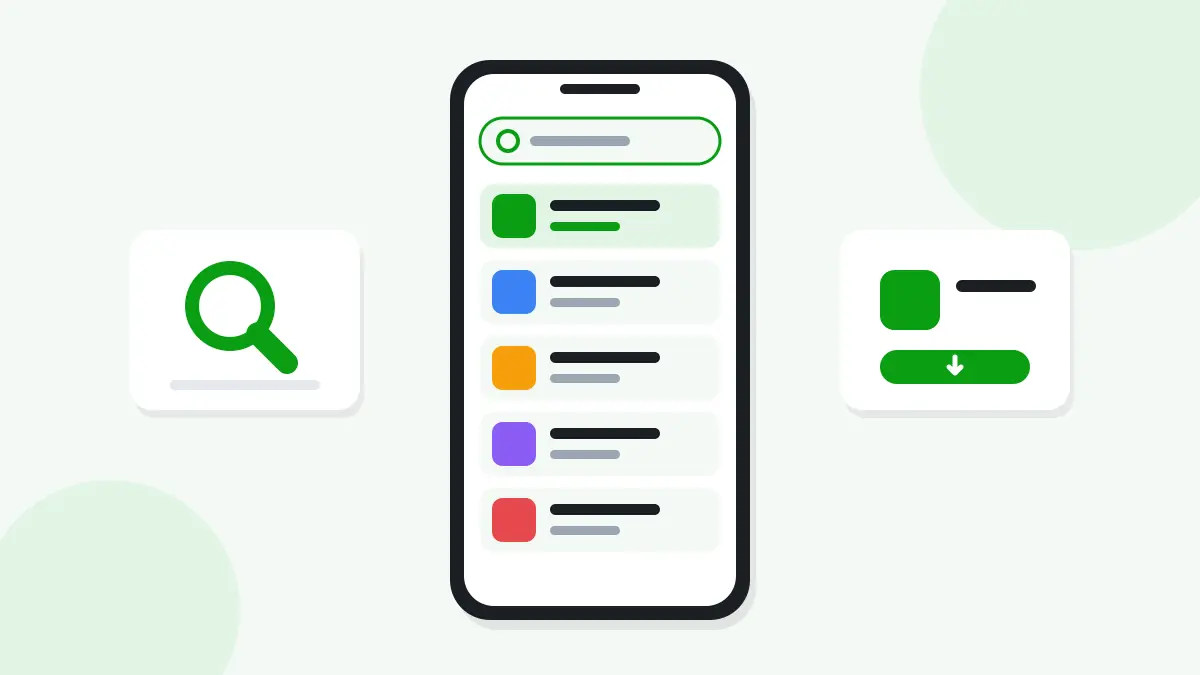
Tap the search bar at the top. Type the name of the game or app you want. Results show up as you type.
Tip: If you cannot find a game, try a shorter name or check the spelling.
Step 3: Pick the Right MOD
Most games have more than one MOD. Each one may change different things, like coins, levels, or ads. Tap a MOD to open its page. Look for:
- MOD features: What the MOD changes in the game.
- Version: The game version the MOD is made for.
- Size: How much space it needs.
- User reports: What other people say about it.
Step 4: Read User Reports
User reports are one of the best parts of HappyMod. Real users share whether a MOD works, whether it crashes, and whether it is clean. A MOD with many good reports is usually a safer choice.
Read next: Is HappyMod Safe?
Step 5: Download the MOD
Tap the download button on the MOD page. The file will start to download. You can watch the progress at the top of the screen or in the downloads tab.
If the download gets stuck, check your internet and free space.
Read next: HappyMod Download Problems
Step 6: Install the MOD
When the download finishes, tap Install. If your phone asks, allow HappyMod to install unknown apps. Then tap Install again.
Some big games also need an OBB data file. HappyMod tells you if a game needs one.
Read next: How to Install OBB Files for HappyMod Games
Step 7: Open and Play
Find the new game on your home screen and open it. If it asks for permissions, allow only what it needs to run.
Read next: HappyMod Games
Useful HappyMod Features
| Feature | What it does |
|---|---|
| Search | Finds games and apps by name |
| Categories | Groups games by type, like action or puzzle |
| User reports | Shows real feedback about each MOD |
| Download manager | Shows your current and finished downloads |
| Request a MOD | Lets you ask for a MOD that is not listed yet |
Tips for New HappyMod Users
- Start with offline games, which carry less risk.
- Back up your game progress before you install a MOD.
- Delete old APK files after you install them to save space.
- Keep HappyMod updated for the best results.
Read next: Not Enough Storage for HappyMod? How to Free Up Space
Read next: HappyMod Update Errors
Common Problems and Quick Fixes
- "App not installed" error: Uninstall the original game first, then install the MOD.
- Game will not open: Clear the game cache and restart your phone.
- Download will not start: Check your connection and storage space.
Read next: HappyMod Installation Errors
Read next: HappyMod Keeps Crashing
Frequently Asked Questions
Is HappyMod free to use?
Yes. HappyMod is free to download and use.
Do I need an account to use HappyMod?
No. You can browse and download without an account.
Why do I need to uninstall the original game?
The MOD is signed differently from the original game, so Android will not install one over the other.
Can I use HappyMod on PC?
Yes. Install an Android emulator on your computer, then add the HappyMod APK.
How do I know if a MOD works?
Read the user reports on the MOD page. They show whether other people had success.
What should I do if a MOD crashes?
Try another MOD for the same game, or check that the MOD matches your game version.
Start Using HappyMod Today
Now you know how to use HappyMod from start to finish. Search for a game, read the reports, download the MOD, and install it. With a few smart habits, you can enjoy your games safely.
Read next: HappyMod for PC