 HappyMod
Play Protect is Google's built-in scanner. It often shows a warning for HappyMod and MOD games because they come from outside Google Play and are not reviewed by Google.
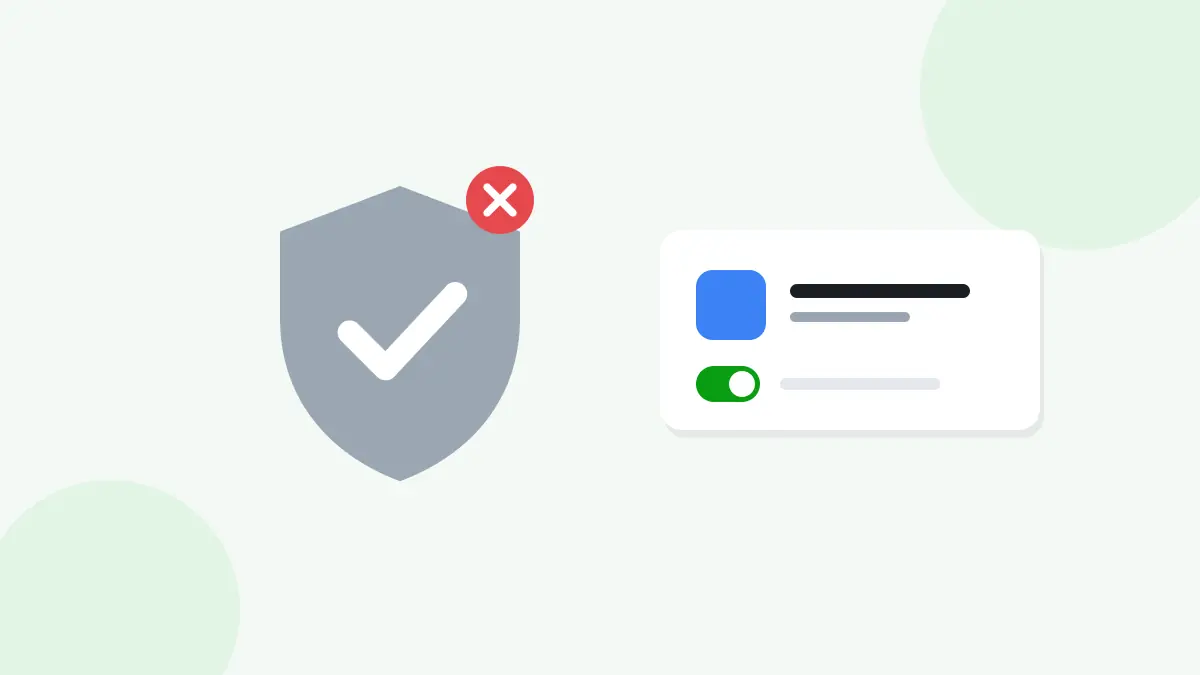
Why Play Protect Warns About HappyMod
- HappyMod is not listed on Google Play.
- MOD games contain changed code.
- The app may be unknown to Google's systems.
A warning does not always mean a file is harmful, but it is a reason to check it carefully.
Check the File First
Before you continue, confirm the version, file size, and source. Scan the file if you are unsure.
Read next: How to Check a HappyMod APK File Before Installing
Install After Checking
If you trust the file, tap More details on the warning and choose Install anyway. Play Protect will remember your choice for this app.
If the App Is Removed After Install
Play Protect may disable an app it considers harmful. Do not turn Play Protect off for good. Instead, check the file again and download it from the official link.
Keep Play Protect Turned On
Play Protect also scans the rest of your phone. Keep it on and only choose Install anyway for files you have checked.
Read next: Is HappyMod Safe?
Frequently Asked Questions
Is the Play Protect warning a virus alert?
Not always. It often means the app is unknown, but you should still check it.
Should I disable Play Protect?
No. Use Install anyway for checked files instead.
Why was a MOD game removed?
Play Protect found something it did not trust. Check the file and its source.
Summary
Play Protect warns about HappyMod because it is installed from outside Google Play. Check the file, choose Install anyway only if you trust it, and keep Play Protect turned on.